WordPress Pharma Hack Fix: How to Stop Pharmaceutical Spam in Google

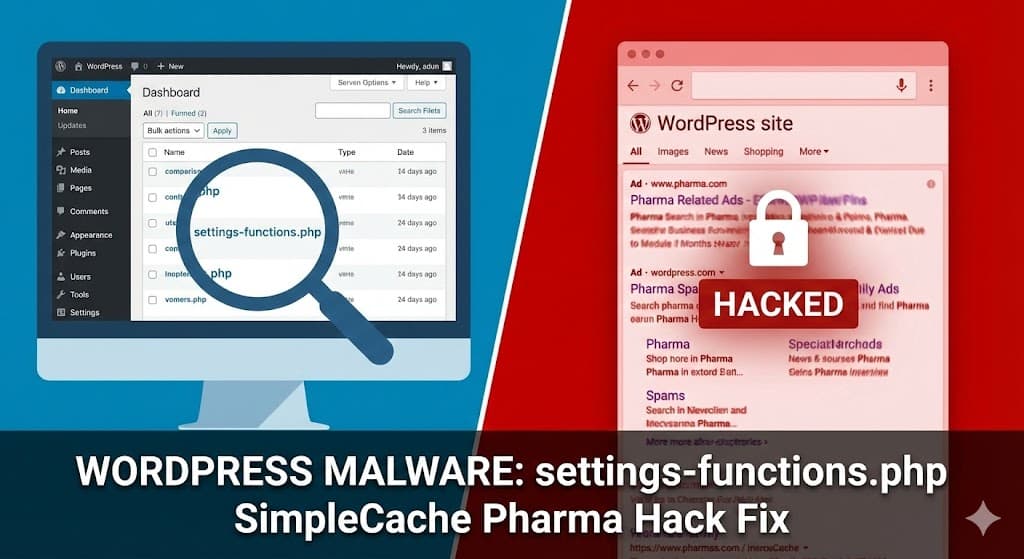
If you have noticed your WordPress site ranking for keywords like “Viagra,” “Cialis,” or other pharmaceutical terms—but the site looks completely normal when you visit it—you are likely the victim of a Cloaking Attack.
We recently cleaned a client site infected with a specific variant of this malware that hides inside a file named settings-functions.php. Here is a breakdown of how this malware works, how we found it, and how to get rid of it.
The Symptoms: “Pharma” Scams and Hidden Files
Our client reported that their site was being flagged for “pharmaceutical scams,” yet they couldn’t see any spam ads on the homepage. Using our security scanners, we identified a malicious file hidden deep within the active theme folder (in this case, Hello Elementor):
wp-content/themes/hello-elementor/includes/settings-functions.phpWhile the file name sounds legitimate, the code inside was a sophisticated backdoor designed to hijack the website’s search engine rankings.

Analyzing the Malware: The “SimpleCache” Class
This malware is clever. It masquerades as a caching plugin to avoid detection by less experienced developers.
1. The Obfuscation (Class _keys)
The top of the file contains a class called _keys. This is a decoder. The malware uses base64 encoding and XOR encryption to hide its true intent.
If you look at the code, you will see strings like _keys::_dekr('_0', '_'.'1'). This translates scrambled nonsense into readable commands, allowing the hackers to hide keywords like “Viagra” or malicious URLs from simple text searches.
2. The “SimpleCache” Disguise
The main payload is wrapped in a class named SimpleCache. It even includes fake documentation comments claiming to handle “caching functionality” to trick site owners into thinking it is a necessary file.
3. SEO Cloaking (The “Checkbot” Function)
The most dangerous part of this code is the public function checkbot().
This function checks the “User Agent” of the visitor. If the visitor is a real person, the site loads normally. However, if the visitor is Googlebot, Bingbot, or Yahoo, the malware:
- Intercepts the request.
- Fetches spam content from a remote server (using the
httpGetfunction). - Injects that spam into your pages.
This is why your SEO tanks while the site looks fine to you. Google is indexing the spam the malware serves it.
4. Database Infection
Unlike simple viruses that just sit in files, this malware creates its own tables in your WordPress database to store spam links and configurations. In the code, we can see it initializing tables for cache, settings, and tasks.
How to Remove the “SimpleCache” Pharma Hack
Step 1: Locate and Delete the File
Check your active theme folder (wp-content/themes/your-theme-name/). Look for suspicious files like:
settings-functions.phpclass.cache.phpdb-cache.php
If you open the file and see class _keys or class SimpleCache with scrambled text at the top, delete the file immediately.
Step 2: Check functions.php
The malware needs to be “loaded” to work. Check your theme’s functions.php file. Look for a line that includes or requires the file you just deleted (e.g., require_once('includes/settings-functions.php');). Remove that line.
Step 3: Clean the Database
This specific malware creates extra tables in your database that often share your table prefix (e.g., wp_). Log into phpMyAdmin and look for suspicious tables that are not part of WordPress Core or your plugins. They might be named something like:
wp_sc_cachewp_sc_settingswp_sc_tasks
Always backup your database before dropping tables.
Step 4: Resubmit to Google
Once the files are gone and the database is clean, go to Google Search Console and request a re-indexing of your site. It may take a few weeks for the “Pharma” descriptions to disappear from search results.
Need Help Cleaning Your Site?
Malware like SimpleCache often creates backdoors in multiple locations. If you delete one file, it might regenerate itself the next day.
Hire us to completely clean your WordPress site and restore your SEO.

