Case Study: Cleaning 1,162 Infected .htaccess Files on Bluehost (The “Lockout” Hack)

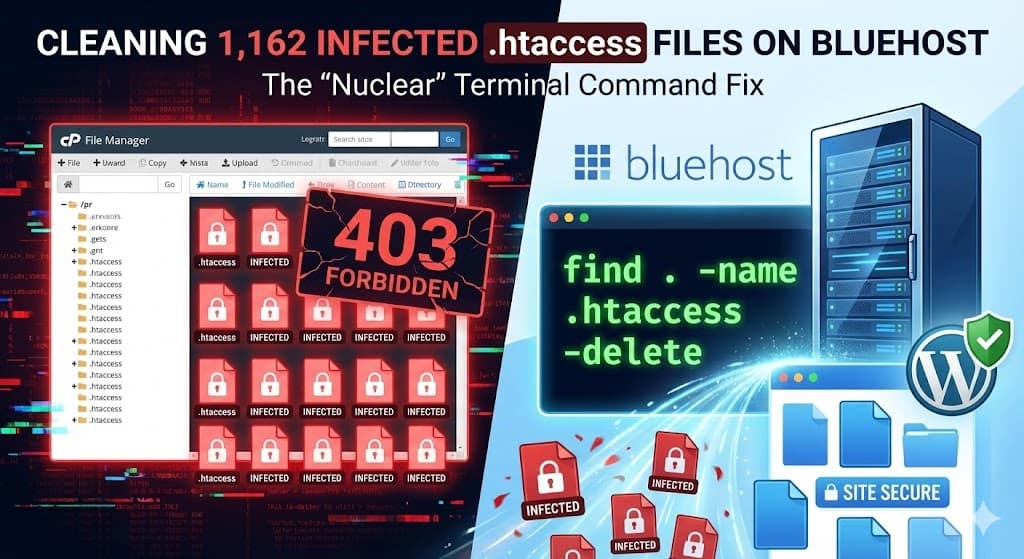
Malware infections on shared hosting can spread like wildfire. We recently tackled a massive infection on a Bluehost cPanel account where the scanner lit up with over 1,162 infected files.
The culprit? A malicious code injection inside the .htaccess file that replicated itself across every single directory—including the trash.
Here is a deep dive into this specific “Lockout” malware, how it works, and the single command line trick we used to delete all 1,162 infections in seconds.

The Symptoms: “403 Forbidden” and Massive Scan Results
The client approached us after their site started throwing errors and their hosting account was flagged. Upon running a server-side scan, the results were alarming:
As you can see in the scan log above, the infection wasn’t just in the public HTML folder. It had spread to:
- Theme directories (
/Divi/includes/...) - Image folders
- The Trash Folder: A significant number of infections were found in
/.trash/, meaning even “deleted” files were harboring the virus.
Analyzing the Malware Code
Unlike some malware that redirects traffic or injects ads, this specific hack is designed to lock the site owner out while maintaining a secret backdoor for the hacker.
Here is the code we found inside the infected files:
<FilesMatch ".(py|exe|php)$">
Order allow,deny
Deny from all
</FilesMatch>
<FilesMatch "^(index.php|lock360.php|wp-l0gin.php|wp-the1me.php|wp-scr1pts.php|wp-admin.php|radio.php|content.php|about.php|wp-login.php|admin.php|mah.php|jp.php|ext.php)$">
Order allow,deny
Allow from all
</FilesMatch>
The “Lockout” Strategy:
- Blocks All PHP Execution: The first block stops virtually every PHP script on your site from running. This is why legitimate plugins or themes break immediately.
- Whitelists the Backdoors: The second block explicitly allows specific files to run. While some look normal (
index.php,wp-login.php), others are 100% malicious backdoors:lock360.phpwp-l0gin.php(Notice the zero instead of an ‘o’)wp-the1me.phpmah.php
The Fix: How to Delete 1,162 Files in 5 Seconds
Manually deleting 1,162 files via FTP would take hours. Since this malware infected every .htaccess file in the directory, the fastest solution was the “Nuclear Option”: Delete them all and regenerate the clean ones.
We used the cPanel Terminal (available on Bluehost) to run a powerful find-and-delete command.
The Command We Used:
What this command does:
find .: Starts searching in the current directory (public_html).-name .htaccess: Looks for any file named exactly “.htaccess”.-delete: Instantly deletes every match it finds.

Final Cleanup Steps
Once the malicious .htaccess files were gone, the site became accessible again. However, we still had to remove the actual backdoor files listed in the hacker’s whitelist.
We ran a search for the following filenames and deleted them:
lock360.phpwp-l0gin.phpwp-the1me.phpwp-scr1pts.phpradio.php
Is Your Bluehost Site Suspended?
If you see a “FilesMatch” error or have found thousands of infected files on your server, do not panic. We specialize in cleaning massive cPanel infections without losing your data.

